
Training ›
Membership drives
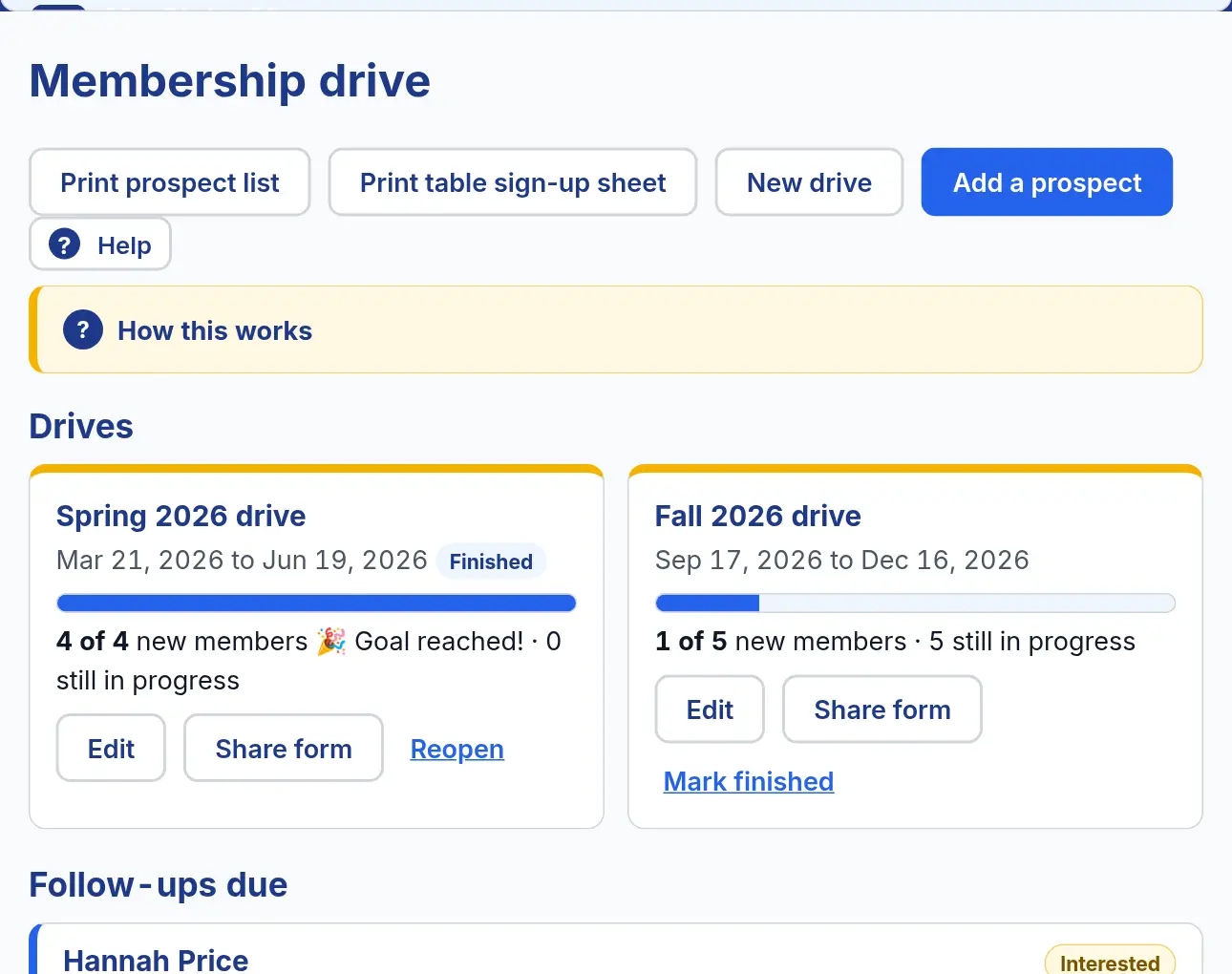
A membership drive is a goal, like “5 new members this fall”. Each person who might join is a prospect. You move each prospect along until they join. This comes with the plan that has all three tools, and with the free trial.
Start a drive and add prospects
- Open Club ▾ and choose Membership drive.
- Press New drive and set a goal, for example “Fall drive: 5 new members”. The bar shows how close you are.
- Press Add a prospect for each person who might join: how to reach them, how you met, who is sponsoring them, and a next follow-up date.
- Any member can add a prospect too. The officers then follow up.
Follow up until they join
- Follow-ups that are due show on the club’s home page. On the morning one is due, the Secretary and Admins also get one email listing who to contact.
- As a prospect moves along, press Next step: Interested → Invited to a meeting → Attended → Applied.
- When they join, press Add to member list. They go on the Member list with their phone and email.
- Going to a fair or open house? Print table sign-up sheet gives you a paper form for people to write their names on.
Watch out for: A prospect is not on the Member list until you press Add to member list.