
Training ›
Officer handoff at year end
Everything stays with the club, not with the person. When officers change, you change who can sign in and what they can do. Nothing needs to be copied.
Give the new officers their jobs
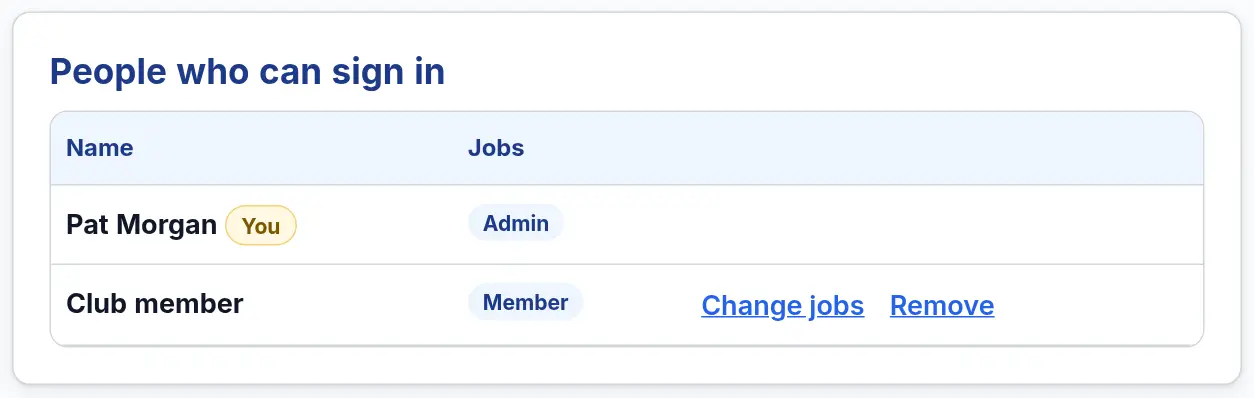
- The Admin opens Club ▾ → People and jobs.
- Invite each new officer with Send invite and tick their job. Someone already on the list? Press Change jobs next to their name.
- For officers who are stepping down, press Change jobs and leave only Member. Or press Remove if they should not sign in at all.
- On the Member list, press Edit and update each person’s Office held.
Tip: Your club must always keep at least one Admin. Make the new President an Admin before the old one steps down.
Treasurer: start the new year
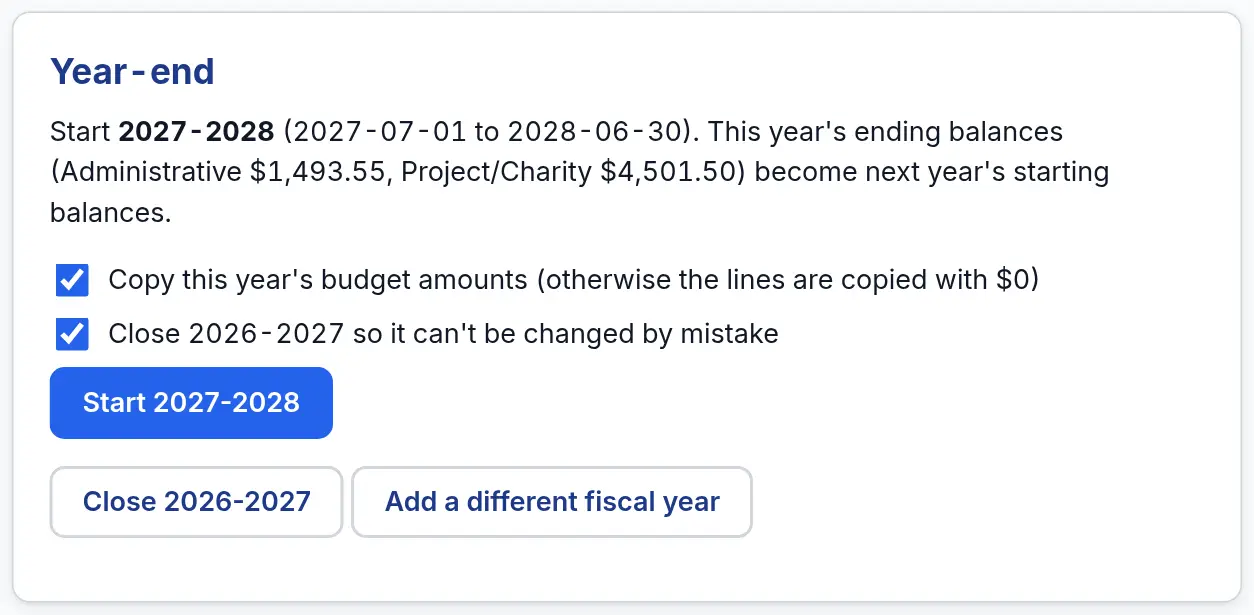
- After the last bank statement of the year is in, open Finances → Tools.
- Under Year-end, press Start next year (for example Start 2027-2028). Ending balances, budget lines and members’ dues carry over.
- Anything a member still owes becomes “owed from last year”.
- Leave the box ticked to close the old year, so it can’t be changed by mistake.
Keep a copy of everything
- Secretary: on each meeting kind you use, press ★ Save as our usual agenda, so the next Secretary starts with the same agenda.
- Past meetings and minutes stay in Meeting history on the Meetings page. You can search them.
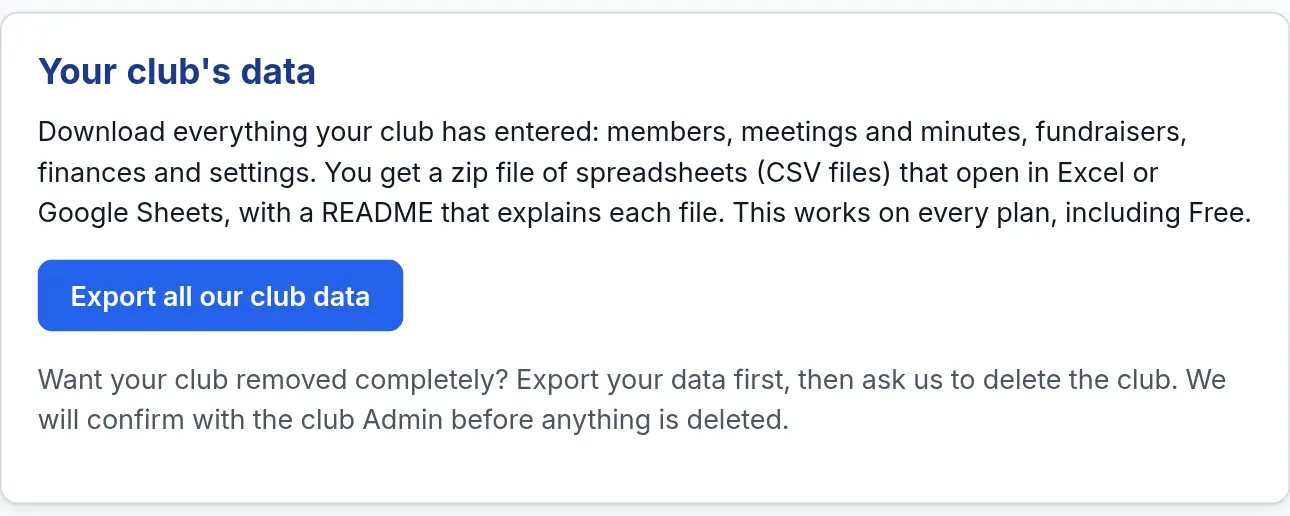
- Admin: open Club settings and press Export all our club data. You get a zip file of spreadsheets with everything your club has entered. It works on every plan.
Watch out for: Never share one password between officers. Each person signs in with their own email, and the Admin gives them the job.