
Training ›
Sign-up sheets
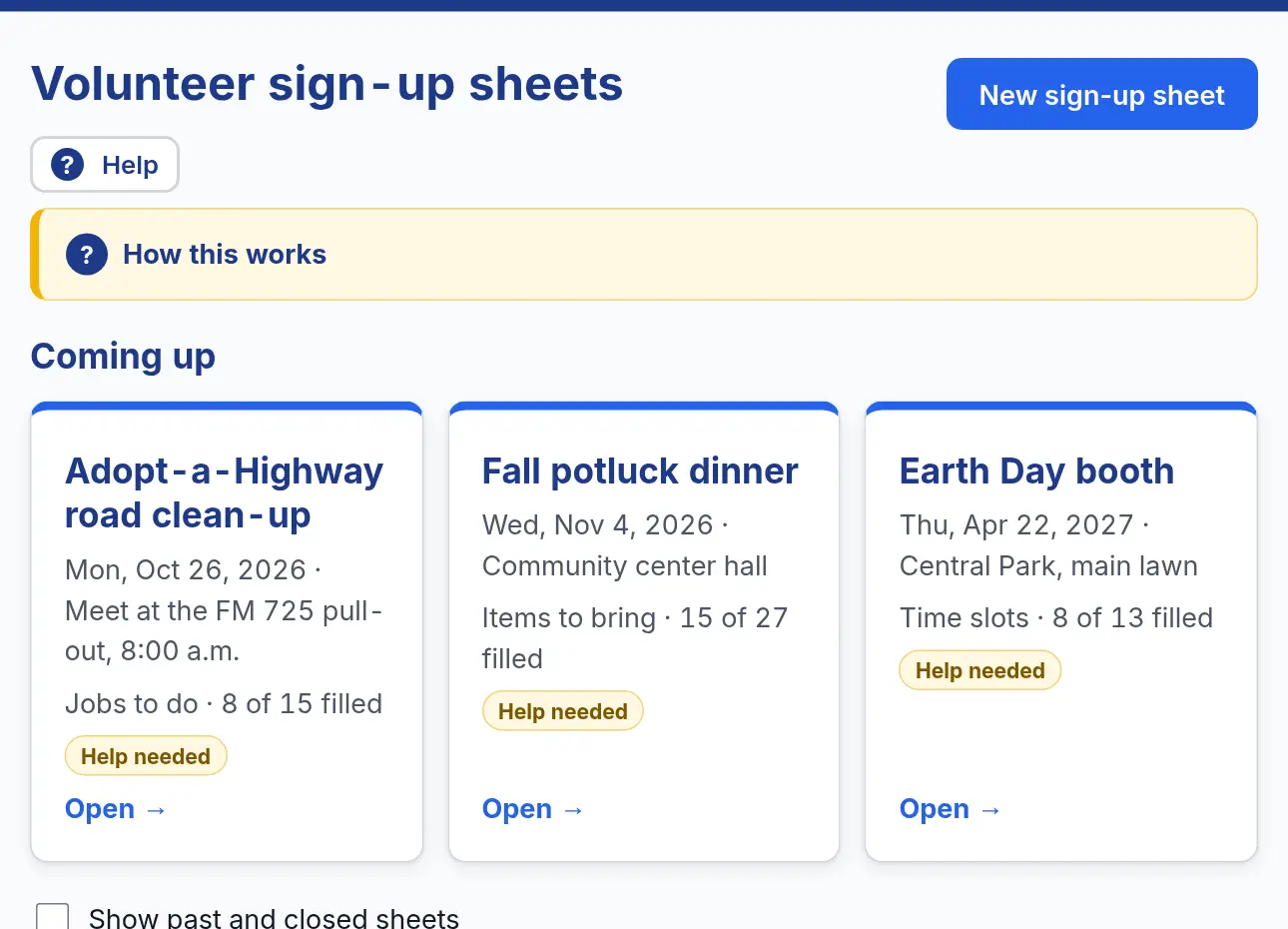
A sign-up sheet is the clipboard that goes around the room, but online. Officers make the sheet; members add their own names. Sign-up sheets come with the plan that has all three tools, and with the free trial.
Make a sign-up sheet
- Open Club ▾ and choose Sign-up sheets. Press New sign-up sheet.
- Give it a name and a date, and pick what people sign up for: time slots, items to bring or jobs to do.
- Add each slot, item or job, and how many people (or how many of the item) you need.
- Pick Email a reminder, for example 1 day before. Everyone from the Member list who signed up gets an email with the date, time and place.
Fill it up
- Members sign in, open the sheet and press Sign me up. Their name shows right away. Take my name off undoes it.
- Officers can Add someone to any spot, Move to another spot, or Remove them.
- Share link lets people sign up without signing in, for example friends of the club.
- Print roster gives you a paper copy to bring to the event.
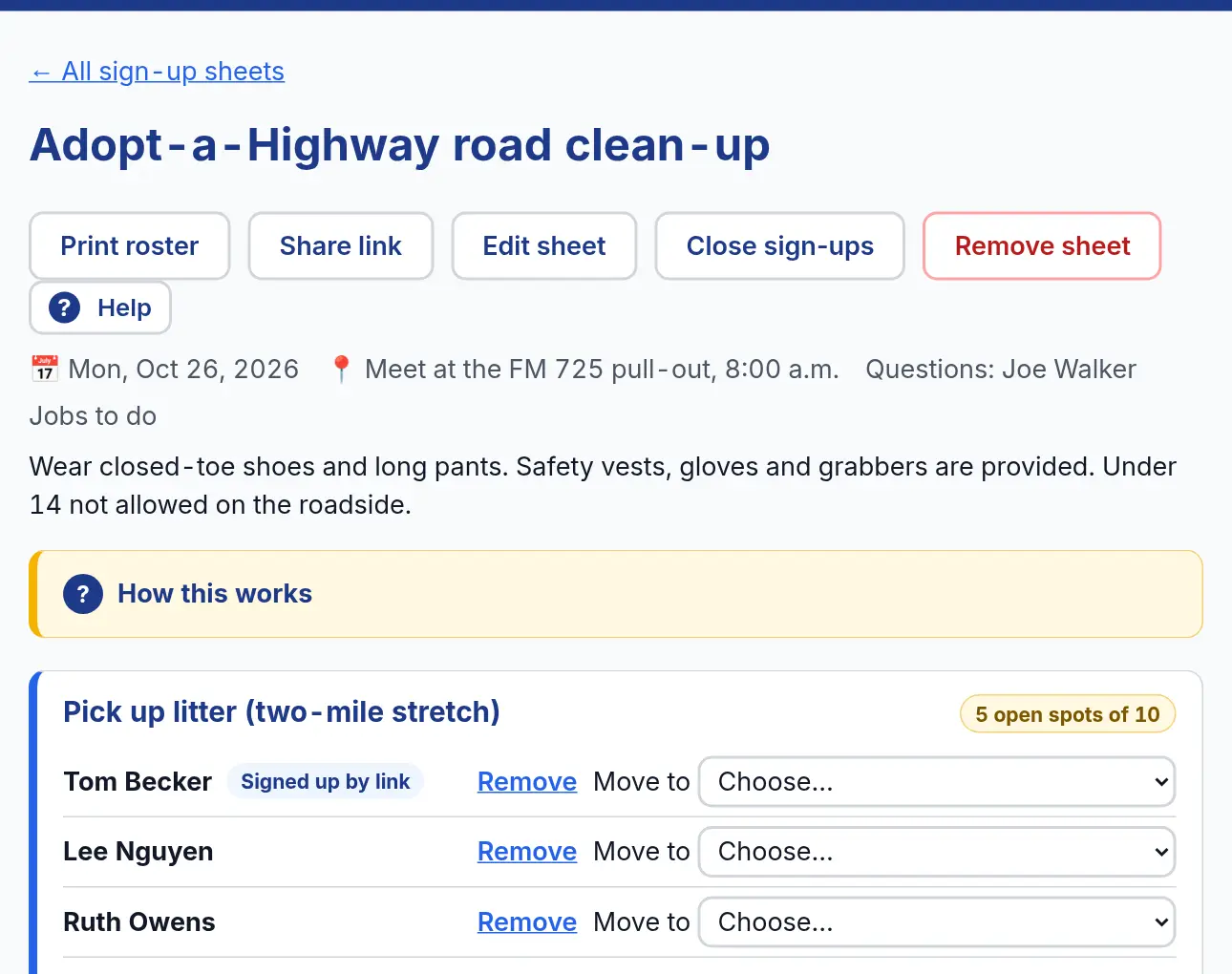
Watch out for: Reminder emails only go to people on the Member list. People who signed up with the share link do not get one.